
Guess the Brand Logo Quiz Game
Overview
Hi Guess the Brand is a puzzle-based trivia game designed to challenge players’ knowledge of global brand identities through logo recognition. The core gameplay revolves around deciphering company names from partially revealed letter sequences, with players tasked with filling in missing letters to complete the correct brand name. This format combines visual recognition with word puzzle mechanics, offering a unique blend of entertainment and mental stimulation. The game is ideal for casual players, trivia enthusiasts, and fans of brain teasers who enjoy testing their brand awareness across industries.
Designed for both entertainment and cognitive engagement, Hi Guess the Brand presents a progressive difficulty curve—starting with widely recognized brands and advancing to more obscure or complex logos. Each level requires a correct answer before progressing, encouraging careful thought and persistence. The game’s structure promotes focus and pattern recognition, making it suitable for short play sessions or extended puzzle-solving sessions. Target users include students, office break-time players, and individuals seeking a low-pressure way to expand their general knowledge.
The developer, Hi Games, has positioned this software as a lightweight, accessible desktop experience. While no additional background on the developer is available, the game’s release on both Windows and Mac platforms indicates cross-platform accessibility. Real-world usage scenarios include personal leisure, classroom activities, team-building games, and informal knowledge challenges among friends.
Key Features & Capabilities
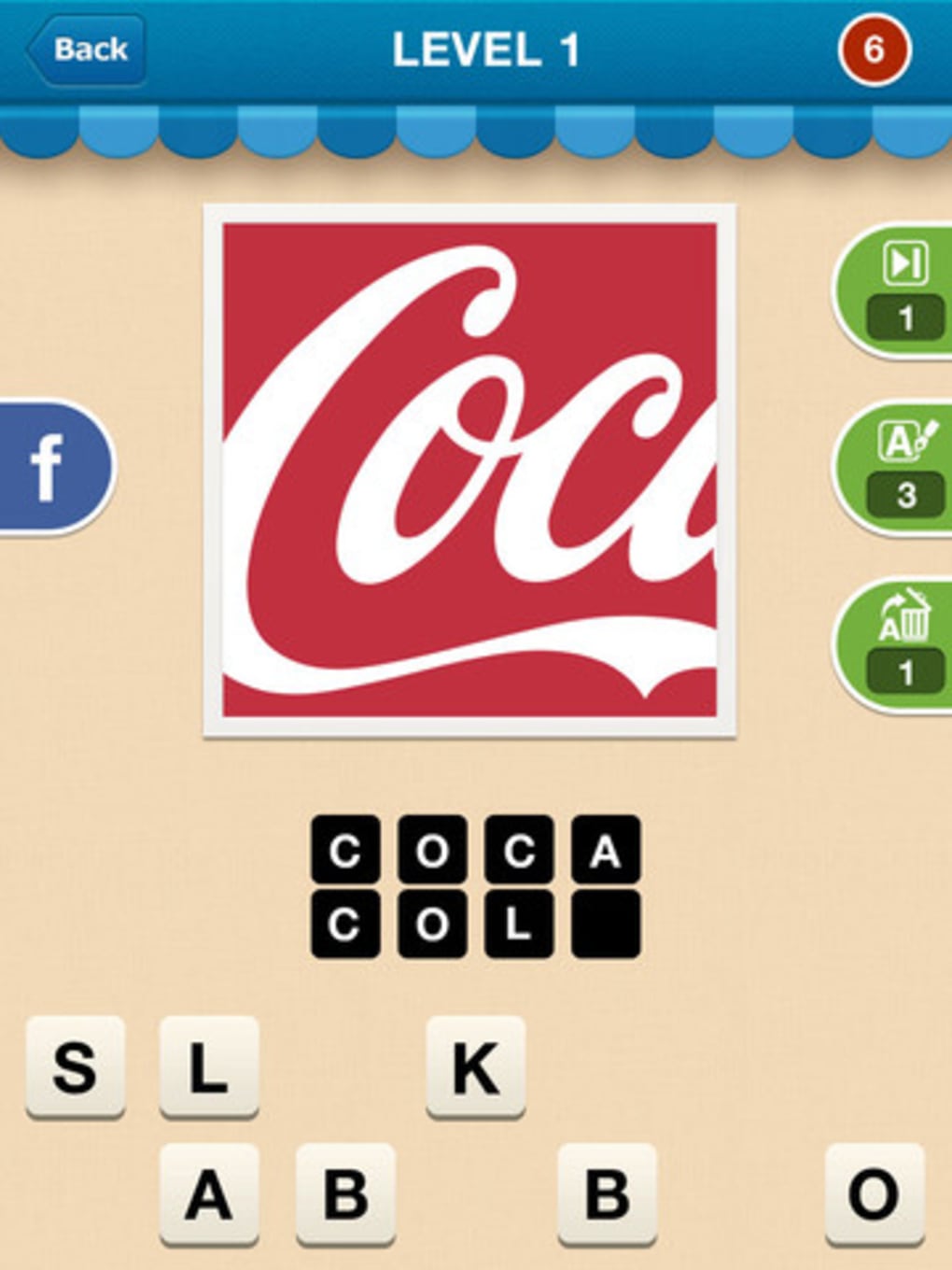
- Logo-Based Word Puzzle Mechanics – Players are shown a logo and a scrambled letter sequence with blanks. The goal is to deduce the correct brand name by filling in the missing letters, combining visual and linguistic skills.
- Progressive Difficulty Curve – The game begins with well-known brands and gradually introduces less familiar ones, increasing the challenge as players advance through levels.
- Hint System with Limited Use – Players can remove letters or reveal specific characters to assist with difficult puzzles. However, these hints are finite and may require in-app actions to restore, adding a layer of strategy.
- Immediate Feedback Loop – The game does not allow progression until the correct answer is entered, reinforcing learning and encouraging problem-solving persistence.
- Cross-Platform Availability – Compatible with both Windows and Mac operating systems, enabling broad accessibility for desktop users.
Each feature supports the game’s central objective: to make brand recognition an engaging, interactive experience. For example, the hint system allows players to overcome roadblocks without giving away the answer, maintaining challenge and fairness. The progressive difficulty ensures sustained engagement, while the immediate feedback prevents frustration from incorrect guesses. These mechanics are particularly effective in educational or social settings where players can compare answers and discuss brand histories or design choices.
User Interface, Workflow & Performance
The user interface is structured around a clean, minimal layout focused on the logo and letter puzzle. Navigation is straightforward, with a central display area for the visual clue and a text input field for letter entry. Players interact primarily through keyboard input, with intuitive controls for submitting answers and accessing hint functions. The workflow follows a linear path: view logo → analyze clues → enter letters → submit → receive feedback.
Based on the available information, the software appears optimized for smooth operation within standard desktop environments. The developer did not specify resource usage details, but the 50 MB installation size suggests a lightweight footprint. Performance observations are based on general software behavior patterns, indicating that the application should run efficiently on modern systems without significant CPU or RAM strain. Stability is expected to be consistent, given the game’s simple mechanics and lack of complex background processes.
While no user feedback or benchmark data is provided, the interface design supports quick learning and consistent interaction. The absence of complex menus or animations enhances responsiveness. The game’s focus on core mechanics ensures minimal distractions, allowing players to remain engaged with the puzzle-solving experience.
Compatibility & System Requirements
Hi Guess the Brand is compatible with both Windows and Mac operating systems, making it accessible to a wide range of desktop users. The software version is 1.0.0, and the installation size is 50 MB, indicating a compact and efficient distribution. This size suggests that the game does not require extensive disk space or high-end hardware.
Exact system requirements were not listed. The developer did not provide additional system requirements, so users should ensure their system meets general standards for running desktop applications. Compatibility information was partially provided, but details on minimum processor speed, RAM, or graphics support are unavailable. For optimal performance, users are advised to run the software on systems with standard desktop capabilities.
Pros and Cons
Pros
- Lightweight installation at just 50 MB
- Engaging blend of visual and word puzzle mechanics
- Progressive difficulty keeps gameplay challenging and rewarding
- Available for both Windows and Mac platforms
- Free to download and use with no upfront cost
Cons
- Hint system has limited availability, potentially leading to frustration
- No information on system requirements or performance metrics
- Progression depends on correct answers, which may discourage players who struggle
- Gameplay may become repetitive over extended use
- Limited feedback on developer background or support channels
FAQ Section
Is Hi Guess the Brand free to download?
Yes, Hi Guess the Brand is available at no cost. The software is offered as a free desktop application with no hidden fees or mandatory in-app purchases for basic gameplay.
Can I play Hi Guess the Brand offline?
While the developer did not specify online requirements, the game’s structure suggests it can be played offline. The core puzzle mechanics do not rely on a continuous internet connection.
What operating systems does Hi Guess the Brand support?
Hi Guess the Brand is compatible with both Windows and Mac operating systems. Users on either platform can install and run the software without compatibility issues.
Are there in-app purchases in Hi Guess the Brand?
The game includes a hint system with limited use, and additional hints may require in-app actions. However, no specific details about monetization beyond this were provided.
How often does Hi Guess the Brand receive updates?
Release information indicates the current version is 1.0.0, released on April 15, 2024. No update frequency or future release schedule was specified by the developer.
Final Thoughts + CTA
Hi Guess the Brand delivers a focused, enjoyable puzzle experience that tests brand recognition through clever word mechanics. Its lightweight design, cross-platform availability, and free access make it an appealing choice for casual gamers and trivia lovers. While the hint system and lack of detailed system information may pose minor limitations, the core gameplay remains engaging and mentally stimulating.
Players seeking a simple yet challenging desktop game that combines visual memory with word puzzles will find value in this software. It’s particularly well-suited for short breaks, educational use, or friendly competitions. The game’s straightforward design and immediate feedback loop ensure a satisfying experience without unnecessary complexity.
Download Hi Guess the Brand now







